
Antenna first
Attach the antenna before powering on the radio.
Radio mesh / off-grid text
Survive Link can connect over Bluetooth to compatible LoRa hardware and hand messages to the radio. The app does not create firmware or operate an independent radio network. Availability depends on the model, firmware, configuration, and local rules.
Attach the antenna before powering on the radio.
Use a USB cable that transfers data; a charge-only cable will not work.
Consult official documentation for the permitted region in your location; this handoff mentions US 915 only for the corresponding variant.
Public/default channel keys are not private. A custom PSK encrypts the channel but does not authenticate the sender.
Recommended radio / Heltec
The product images present it as a LoRa radio with wireless charging. Check the listing to confirm the exact model and frequency variant before ordering.
View on AmazonConfirm the permitted frequency for your region and current specifications with the seller. Survive Link does not certify radios or guarantee message delivery.
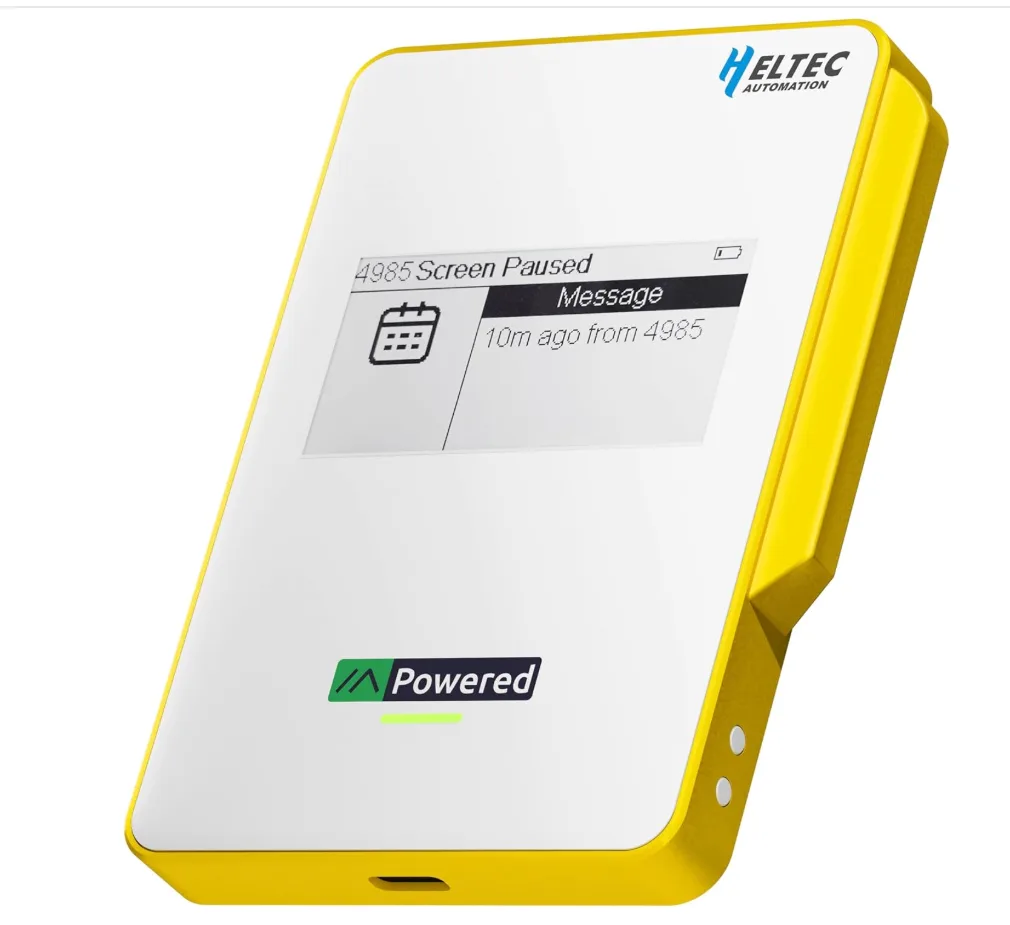
Heltec MeshPocket
LoRa radio for your kit
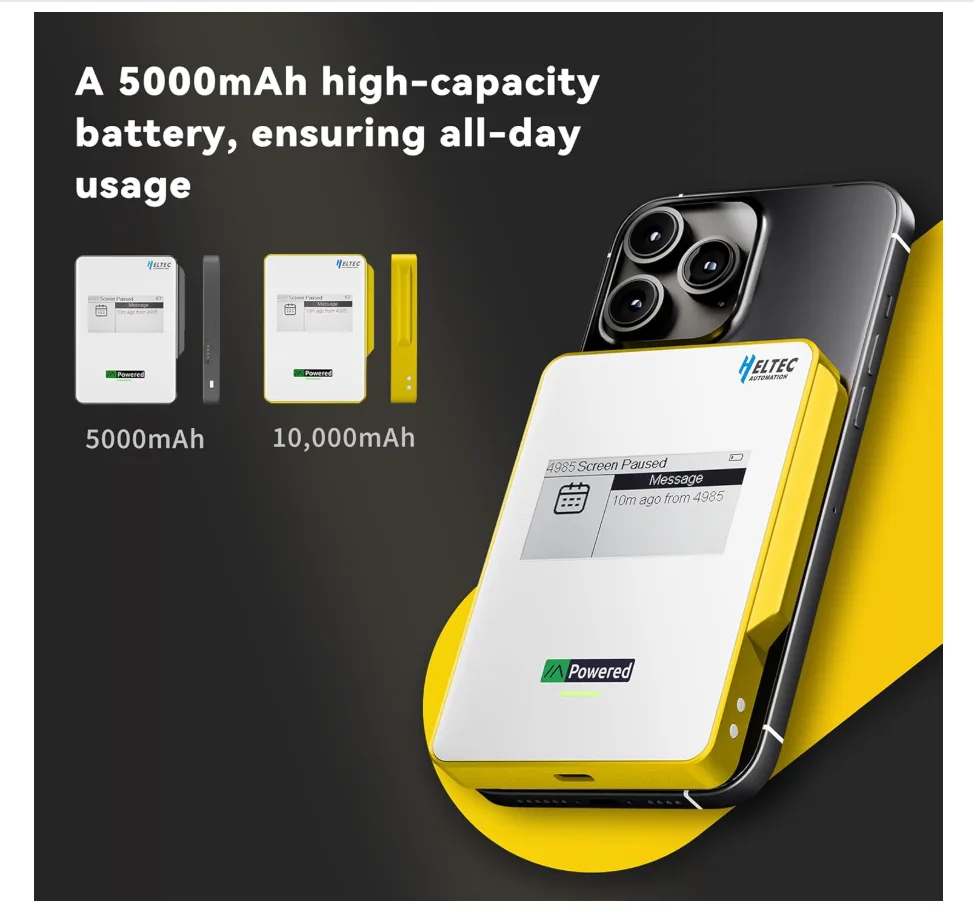
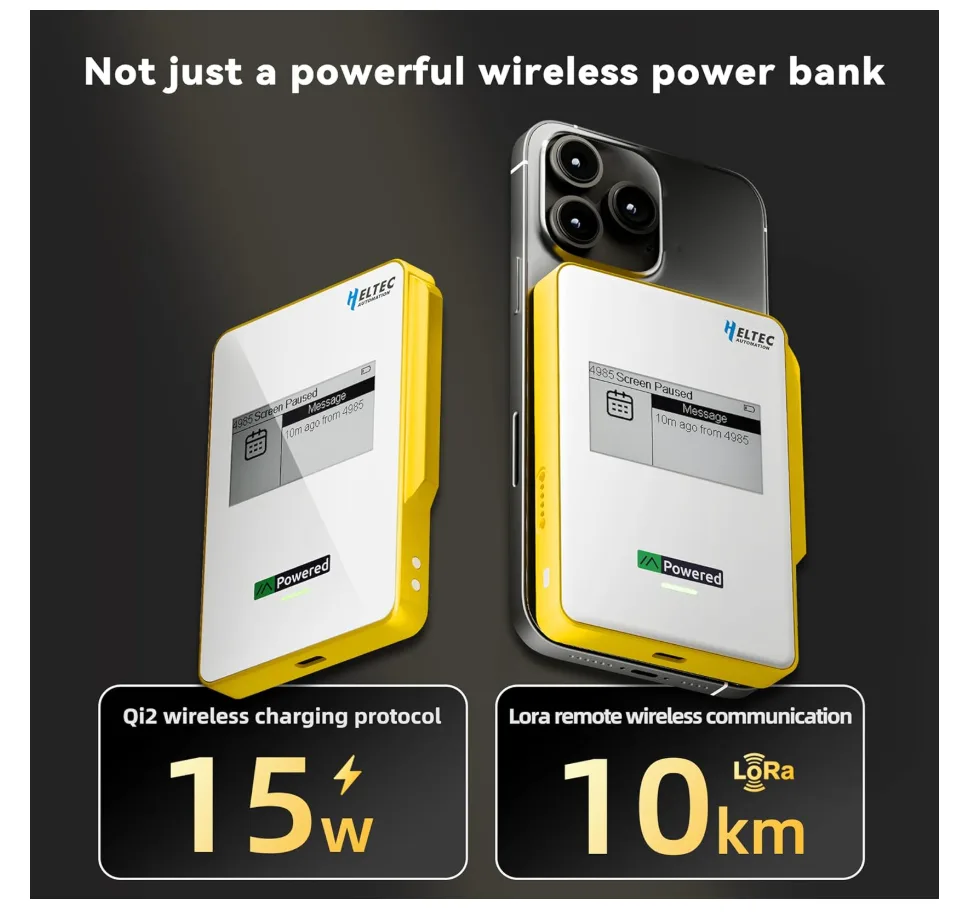
Follow the manufacturer’s instructions to install and configure compatible firmware. Then connect the radio from Survive Link’s Radio screen. The app hands text to the radio; relaying and store-and-forward depend on the radio and network. Check current regional rules for your location.
Use Survive Link’s Radio screen to connect, manage channels, and send text. For firmware installation, regional rules, or radio-specific support, consult the manufacturer. Survive Link does not distribute firmware or guarantee message delivery.
Optional analytics — only enabled if you allow them; no behavioral advertising.
Privacy details